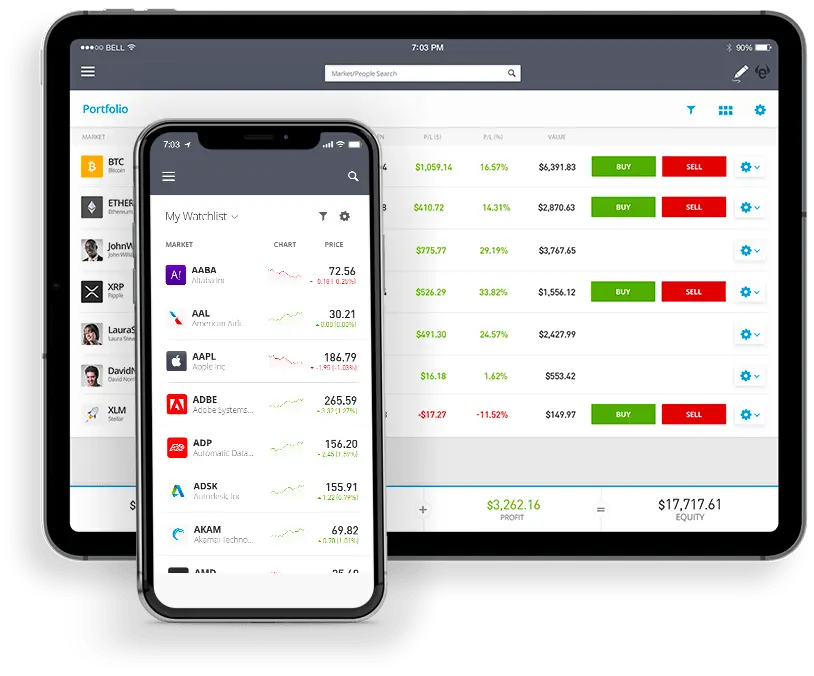
To copy forex traders on eToro, start by logging into your eToro account and heading to the Discover tab. Click on CopyTrader, then filter by traders who specialize in Currencies. Take a good look at each trader’s track record: performance history, risk score, portfolio breakdown. When you find one that fits your goals, hit Copy. Enter the amount you want to invest (minimum $200), and decide if you want to include their existing trades. From there, eToro takes over, automatically copying their forex moves to your account. You can pause or stop copying whenever you like.
Head to eToro on desktop or mobile. Create your account, verify your identity (yes, it’s mandatory), and deposit some funds. You’ll need at least $200 to start using CopyTrader. That’s your buy-in.
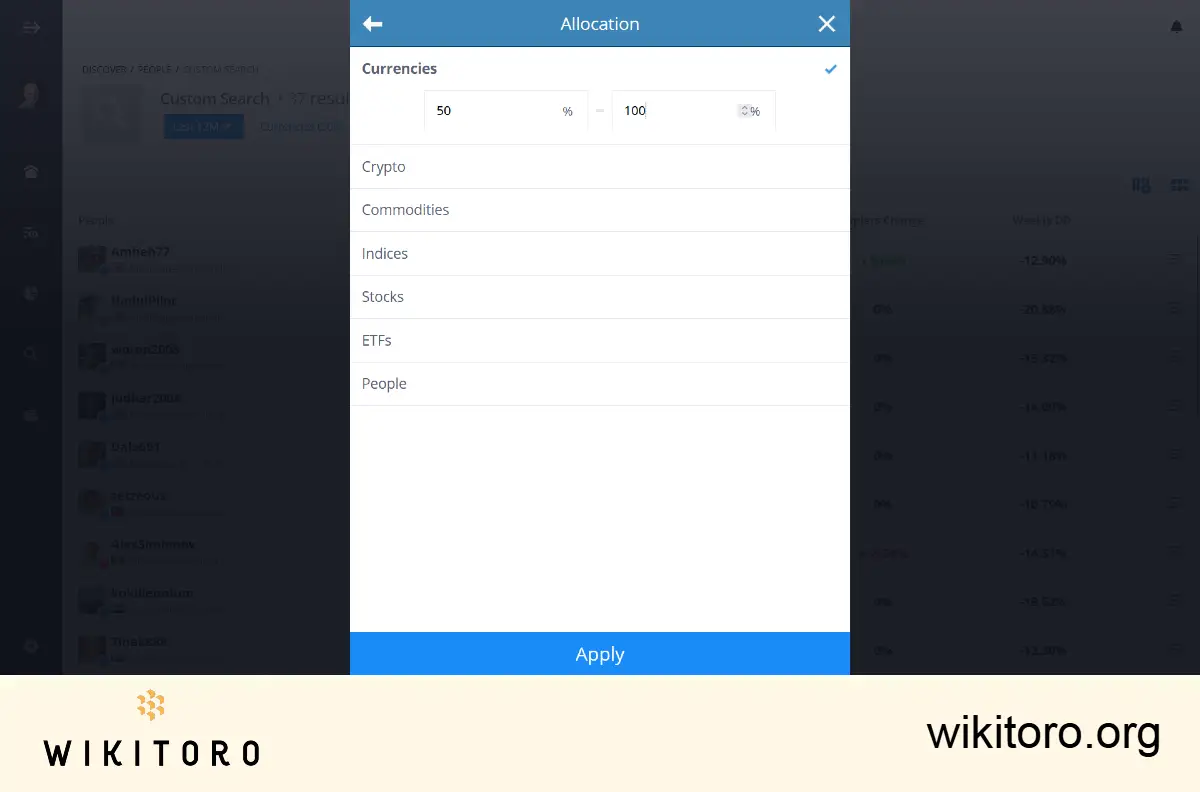
Go to Discover → CopyTrader and switch the asset filter to Currencies. This filters out the crypto and stock crowd, and shows you only traders who focus on the Forex markets.
Here’s what to look for:
Click Copy on the trader’s profile. Choose how much you want to allocate (minimum: $200).
Want to jump in on their current Forex trades too? Tick “Copy Open Trades”. Leave it unchecked if you prefer to follow only future moves.
Personal tip: Set a Stop-Loss amount for the copy. It’s your escape hatch if things turn south.
Hit Copy, and you’re officially in the game. Trades will mirror in real-time based on your allocation.
Head to your Portfolio to see how things are going. You can tweak your allocation anytime: add more, pull some out, it’s up to you.
To make a change:
Don’t go all-in on one trader. Copy two or three with different styles to balance your risk.
Use tools like risk filters or the “Find Your Match” quiz to match traders to your preferred risk level and trading style.
And don’t forget: check in often. Performance shifts. Risk scores change. Make sure your choices still line up with your goals.
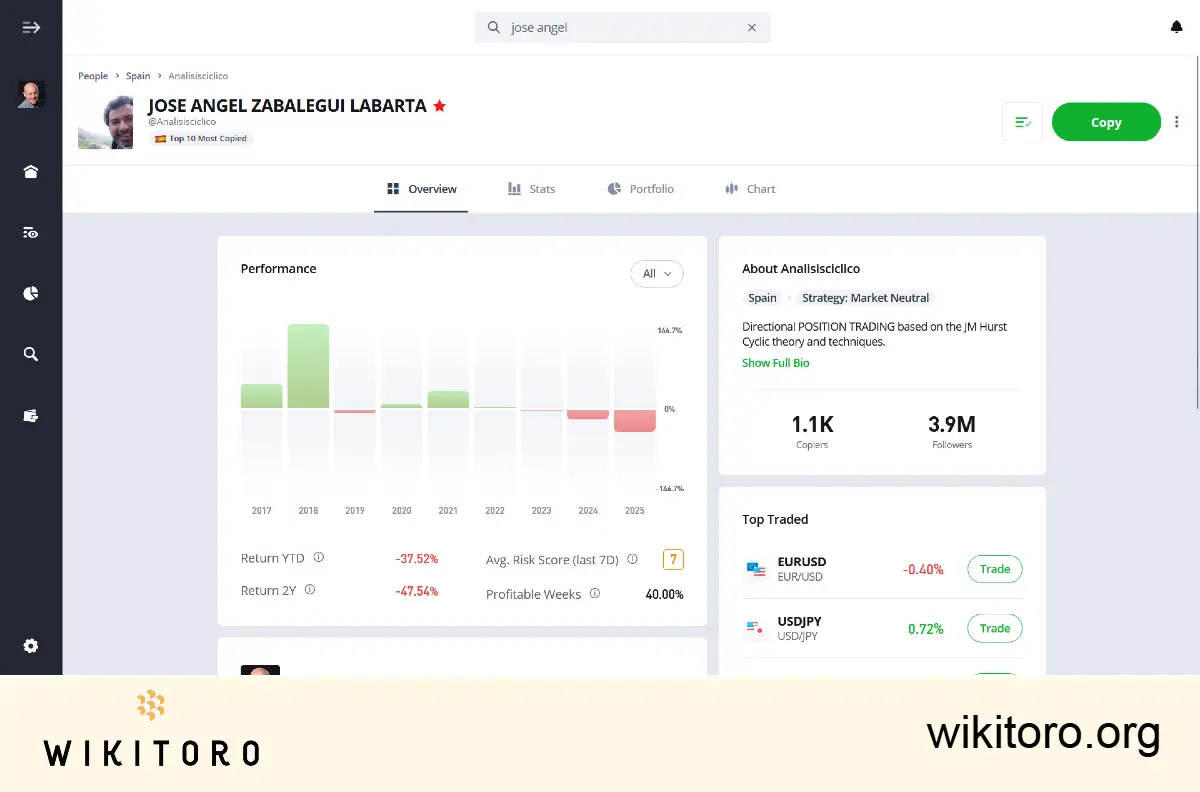
When I copy forex traders, I stick with those who’ve shown consistent performance over several years and focus mainly on currency trades. I also set stop-loss levels upfront to cap potential losses automatically. New to this? Start with a small amount, monitor how it plays out, and scale up only when you’ve got a better feel for the flow.
eToro 是一个多资产平台,提供股票和加密资产投资以及差价合约交易。
请注意,差价合约是一种复杂的工具,由于杠杆作用,具有快速亏损的高风险。61% 的散户投资者账户在与该供应商交易差价合约时都会亏损。您应该考虑自己是否了解差价合约的运作方式,以及是否能够承受亏损的高风险。
过去的表现并不代表未来的结果。
过往表现并不预示未来业绩。
复制交易并不等同于投资建议。您的投资价值可升可跌。您的资本面临风险。
加密资产投资极不稳定,在一些欧盟国家不受监管。没有消费者保护。可能需要缴纳利润税。除非您做好了损失所有投资资金的准备,否则不要投资。这是一种高风险投资,如果出现问题,您不应期望得到保护。请花 2 分钟了解更多.
。
eToro USA LLC 不提供差价合约,对于本出版物内容的准确性或完整性不做任何陈述,也不承担任何责任,本出版物由我们的合作伙伴利用公开可用的有关 eToro 的非实体特定信息编写而成。
 关于 Mike Druttman